

1·
3 days agoIt’s definitely polished a lot. Still I’d be happy for development to slow a bit now.
It’s definitely polished a lot. Still I’d be happy for development to slow a bit now.
I can somewhat recommend Dragon Launcher. It’s gesture based around “app circles”. You arrange your apps in custom circles of arbitrary nesting and swipe to get there.
The main downside imo is the extreme pace of development; most releases fix this or the other issue while introducing new bugs. The config format also doesn’t appear particularly stable through upgrades, it’s probably time for a config reset for me.
Yeah, specifically because of this line in the OP
decided to go with a standard that wasn’t as convoluted. . . Markdown
Hilarious
Lol, which one standard of markdown did your chatbot pick?
Removed by mod
That feature didn’t exist when I started and I haven’t bothered to change it yet. Since this also needs support on all clients, it’s somewhat less portable than my solution.
Edit: Reason 2 I’m not sure how different clients handle the dynamic adjustments
I just started properly tagging new music at some point and now my library is largely tagged correctly.
For tagging I use kid3, great KDE application for that.
I also sort my music into a folder layout like this to know where I got it from and potentially upgrade the quality.
MusicRaw
  - Artist1
    - Bandcamp
      - Album1
    - Tidal
      - Album2
      - Album3
    - Youtube
      - ytrip album
  - Artist2
    - Album1 (not moved to a separate source)
    - Tidal
      - Album2
      - Album3
    - ytrip album
I then have a script to loudness-normalize (come fight me) all music and write it to another subfolder.
A second script takes those normalized files and symlinks them into a structure like this:
Music
  - Artist1
      - Album1
      - Album2
      - Album3
      - ytrip album
  - Artist2
      - Album1
      - Album2
      - ytrip album
I tried switching to Picard, but for somewhat obvious reasons it doesn’t support my insane structure.

In my homelab I mostly don’t bother, most apps are only used by me anyways.
But you probably should separate it. And definitely make a separate account for other people who need admin access.
Trackers that only count login activity are so annoying. Just count my damn active seeding and using your API already!
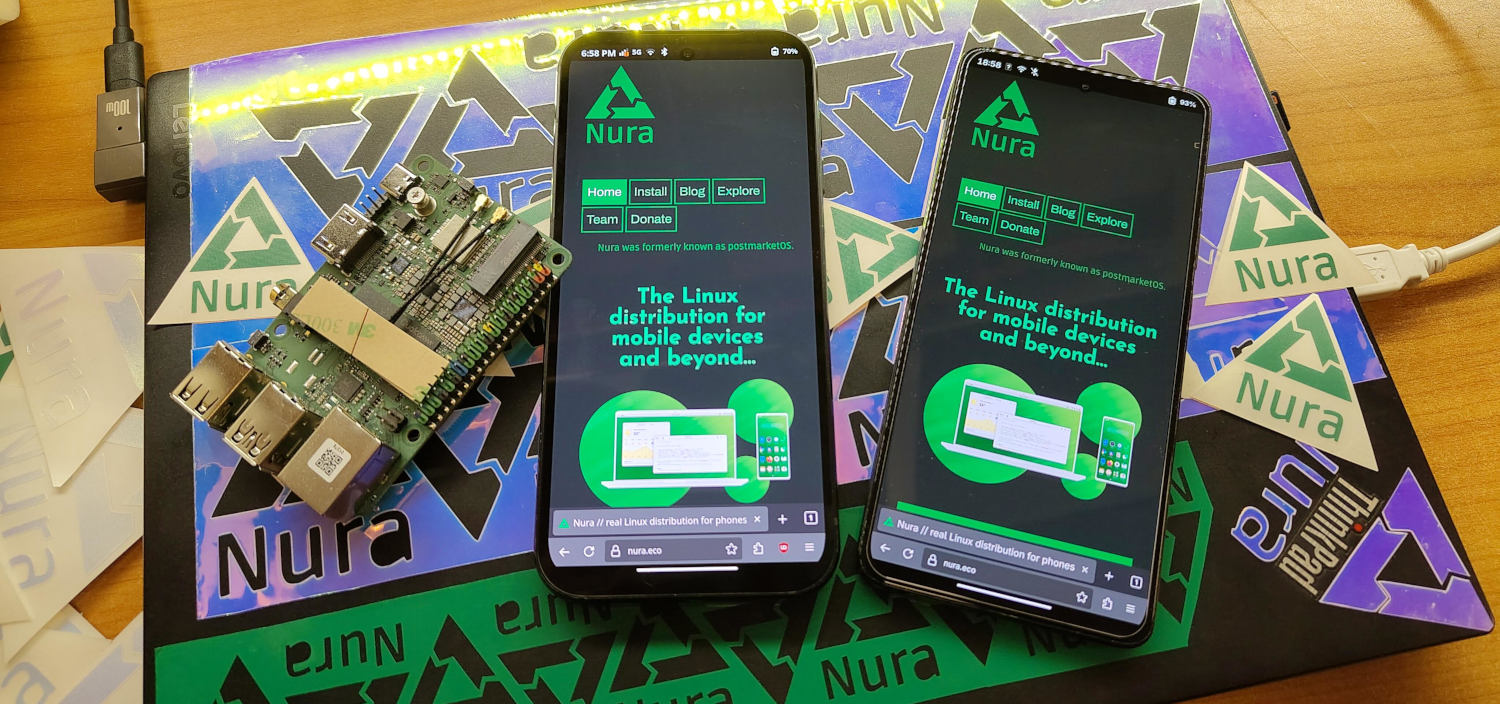
Some anti-recommendations as well
It’s Foss has been pretty mid for a while, maybe ever?
Unless you have fiber from your ISP you need a modem to translate from the TV or phone cable to Ethernet.
I’m not a fan of openWRT. I’d recommend you go look at NUC-style x86 mini PCs with multiple network ports instead and install OPNsense. I find the web interface much more intuitive than LuCI
Especially in an enterprise environment where plenty of people use first.lastname@company
Self hosted networking! Legitimately one of my favourite topics
You won’t get around the requirement of a publicly reachable endpoint. That can either be a small server with a public ip or dynamic DNS to your home with port forwarding for the VPN.
A classic option is OpenVPN. You can run it on Port 443 in TCP mode and while it won’t be performant, it has a better chance of bypassing most simple blocks
Other than that I’m a fan of completely decentralized mesh VPNs.
The one I use and am most familiar with is Yggdrasil. Connections can be established over TCP, TLS or QUIC on any port you want.
I’ve written a somewhat lengthy comment under this post. One advantage to Yggdrasil would be its existing public network. If you can firewall of your home lab to the point where joining the public network doesn’t expose a security risk to your local network, you could use that to transport your traffic instead of having your own public node or port forwarding.
The same post also mentions Anywherelan, it’s intended to have better NAT handling out of the box by using community nodes.
Then there’s also EasyTier mentioned at the bottom, it is a Chinese project and those tend to have good censorship resistance.
Finally I’ll mention Nebula, it requires at least one coordination server but might also be an option
You can limit your speed in the dev console of most browsers
For anyone who hasn’t yet, do make sure to go through the default conversion settings in Calibre and turn off all the resizing. Title image resizing is a separate option turn that off as well.
If you use Koreader or modern enough devices it’s probably fine to default to epub3 instead of epub2 as well.

Mail and VPN have different legal requirements in Switzerland
Just don’t use an image then
Oh cool, I somehow missed that in the docs




I think more move fast and break things. I haven’t looked at it too closely though